Step 1:
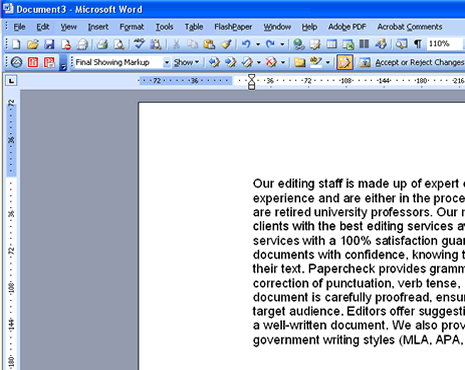
Open the document using Microsoft Word. You do not have to have the Track Changes feature on to insert a comment.
Step 2:
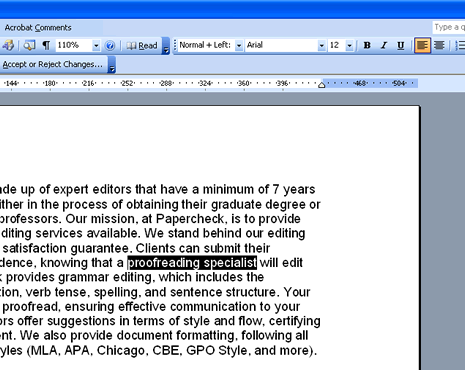
Highlight the section of words that you want to make a comment or suggestion about.
Step 3:
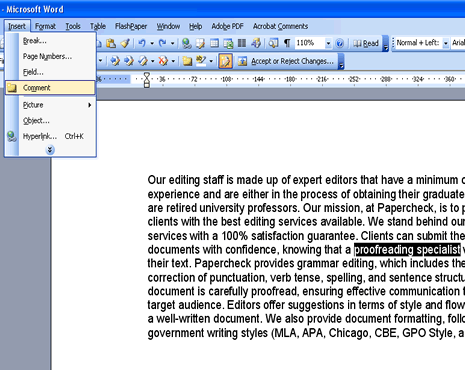
After you have highlighted the selected text, move your cursor to the main toolbar, and click on Insert. Then select Comment. Make sure that the text remains highlighted.
Step 4:
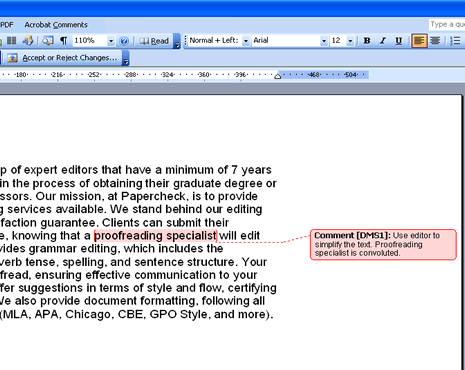
Enter your suggestions into the comment bubble in the right-hand margin. Your comment bubble may appear in another color. Your initials will appear next to your comment.